Networking
Design
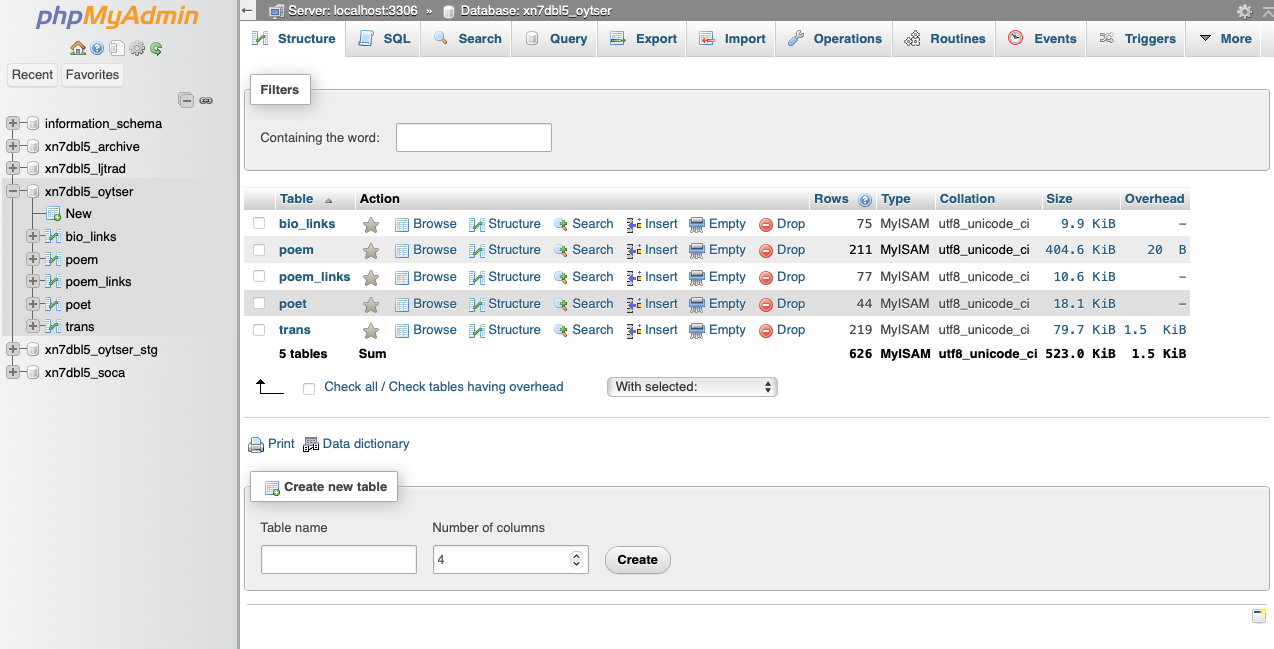
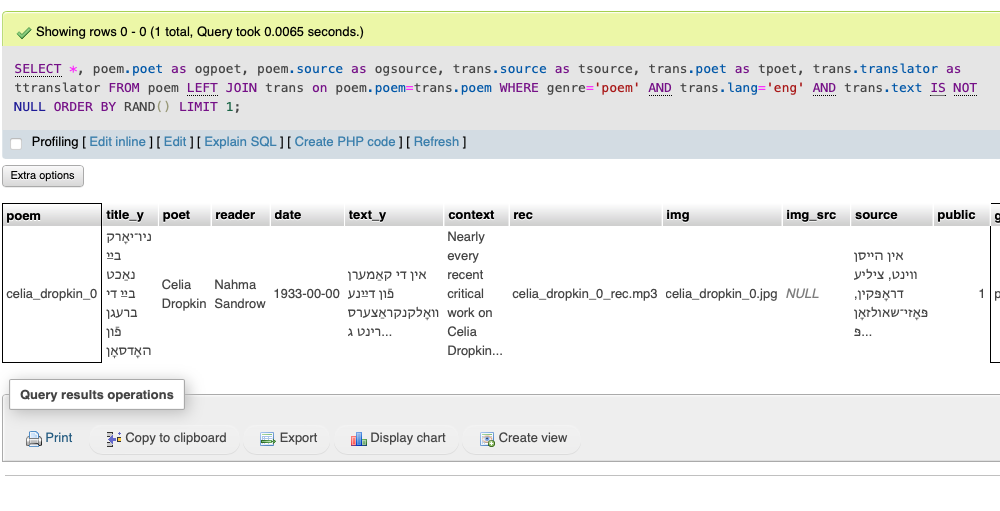
For a while I've been thinking of making an app or some peripheral program in connection to a little poetry website I made. Visually, it has highly unresponsive css styling that does NOT allow for a smooth mobile experience. I thought that for this project, why not use the poetry database I already have up and running on a remote server and make a "poem-a-day" display. Maybe this would encourage people to use or contribute to the poetry project to make better and cooler things.
Assembly
I first tried connecting to the mysql server on an esp32 over, using a library from Charles Bell. This worked but for two things:
- I was working at home and couldn't find 2.4 ghz wifi, just 5, which wasn't compatible with the esp32.
- I already had a beautiful e-ink display for Raspberry Pi and a Pi Zero W board. And I prefer python. And I don't much enjoy the Arduino IDE...
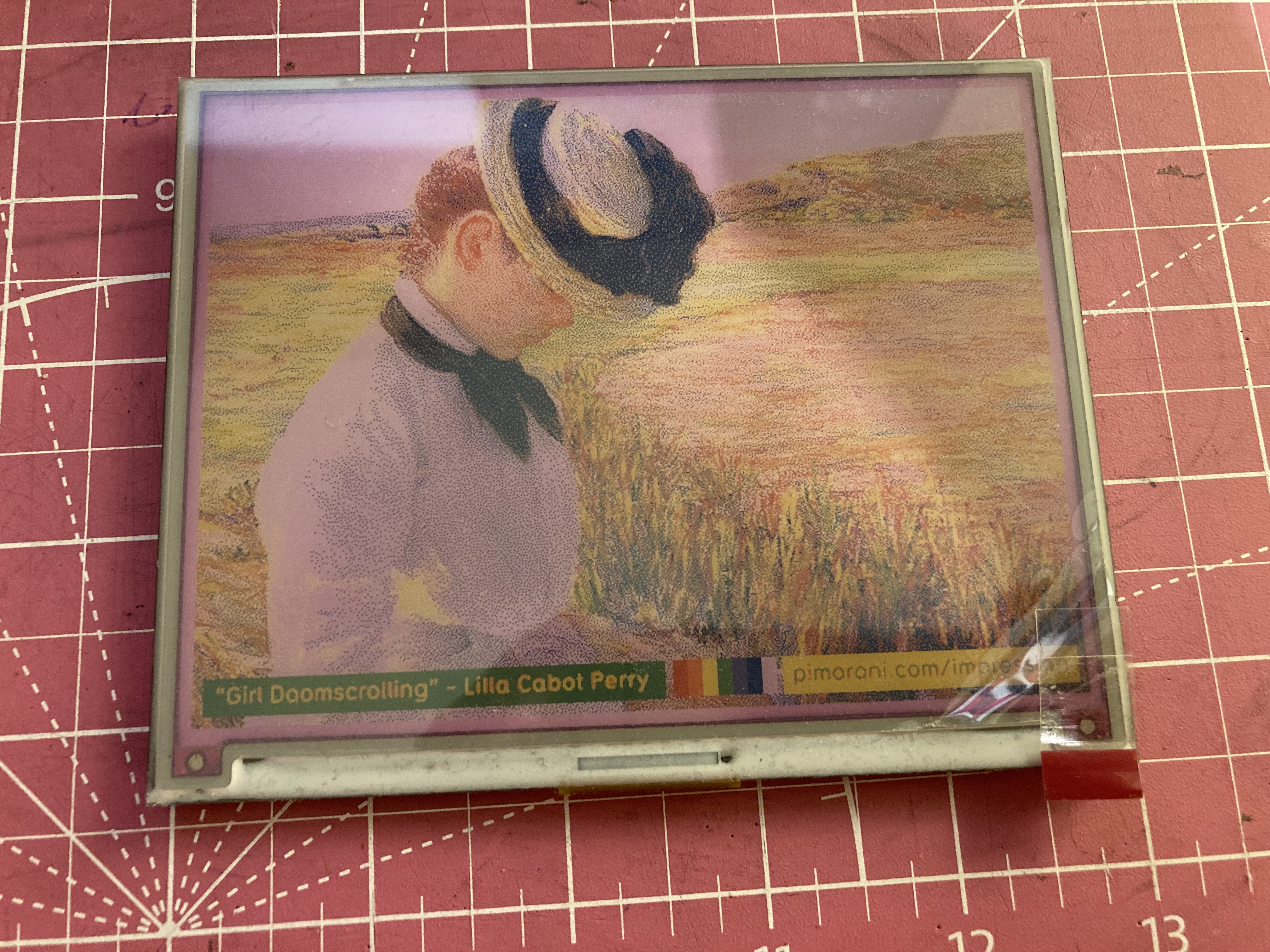
So I took out the Pimoroni Inky Impression and the Pi Zero:
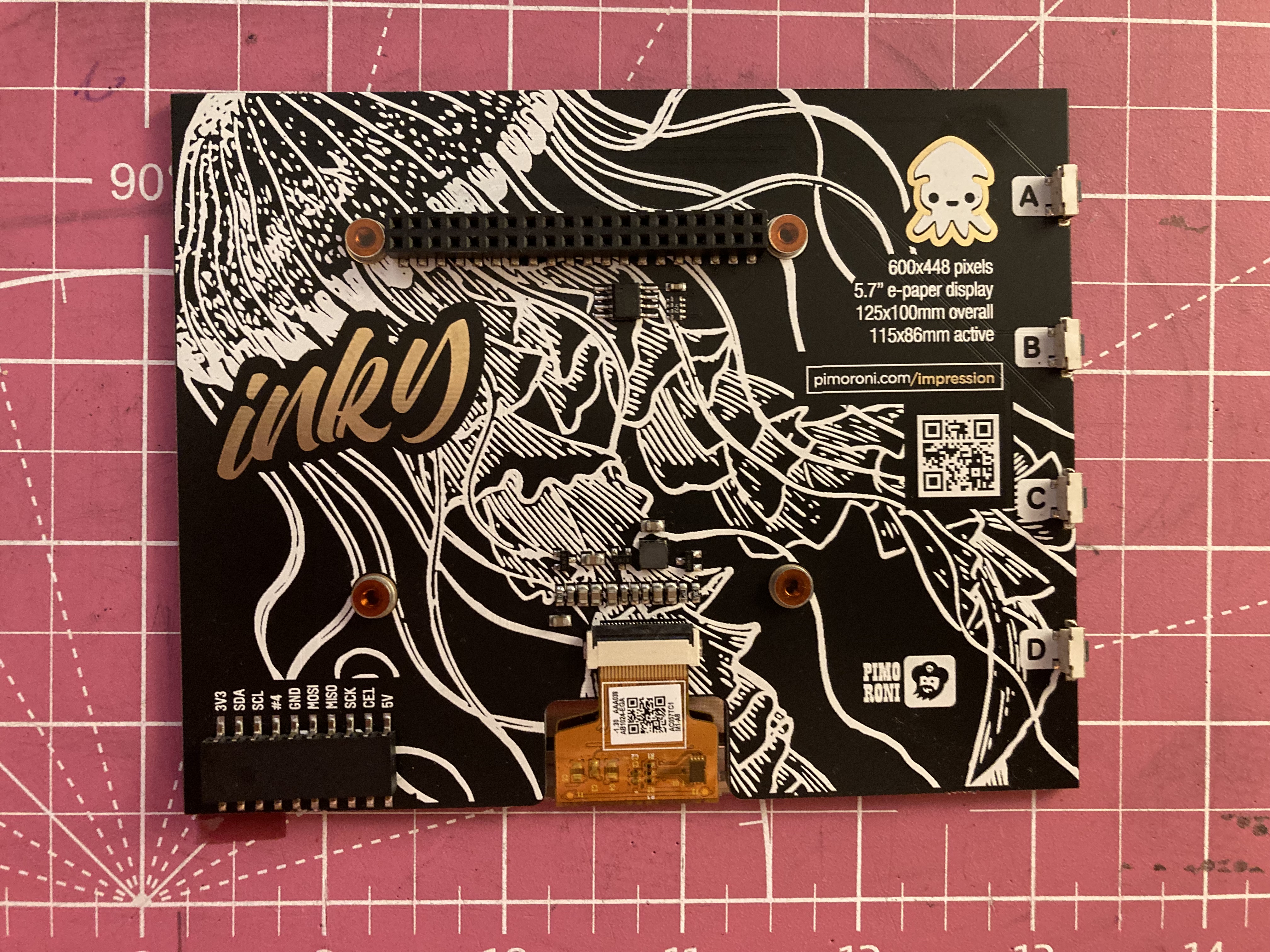
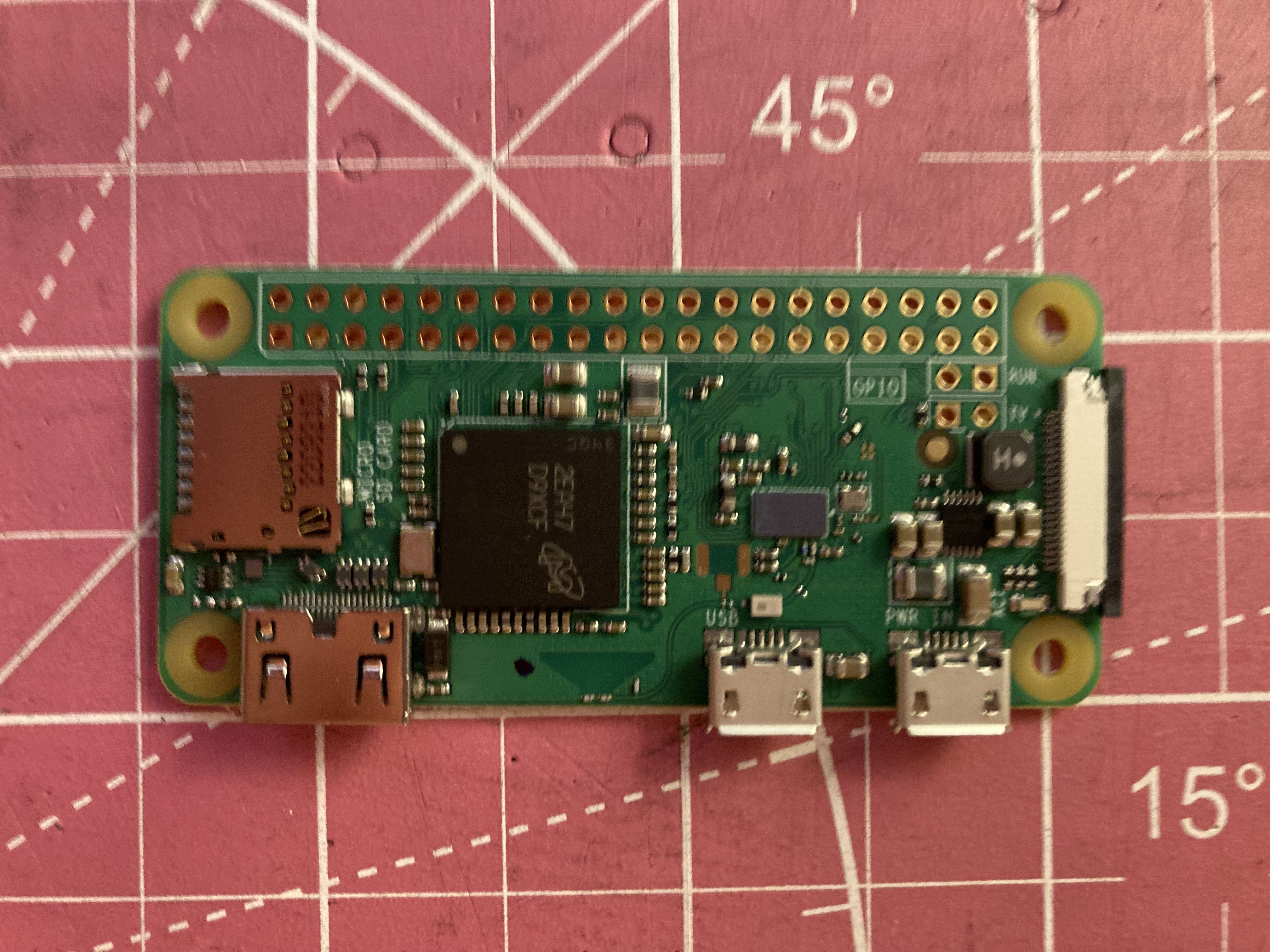
I soddered headers onto the pi board, installed the necessary libraries (and the rasbpian os, of course), and got coding.
Programming
The inky has four intergrated buttons. This made it a rather convienient choice for this project. The tasks for A-Lid-A-Tog (A-Poem-a-Day) were the following:
- Fetch a poem from the remote mysql server
- Display the poem in Yiddish or English on the inky
- Toggle the original and translation at the press of a button
- Fetch a new poem at the press of a botton
- Since most poems do not fit even on the impressively large screen, use two buttons for some kind of scroll up/down functionality
Communicating with mysql was very intuitive. Displaying english on the inky was also intuitive. Yiddish, which is read right to left, was trickier. Inky uses the Pillow library which does have a "direction" arguement for many functions, but it relies on a python library I could not install from github. So I wrote one function to reverse the lines (they would print backwords otherwise) and one to find its right-side alignment based on the longest line of the text.
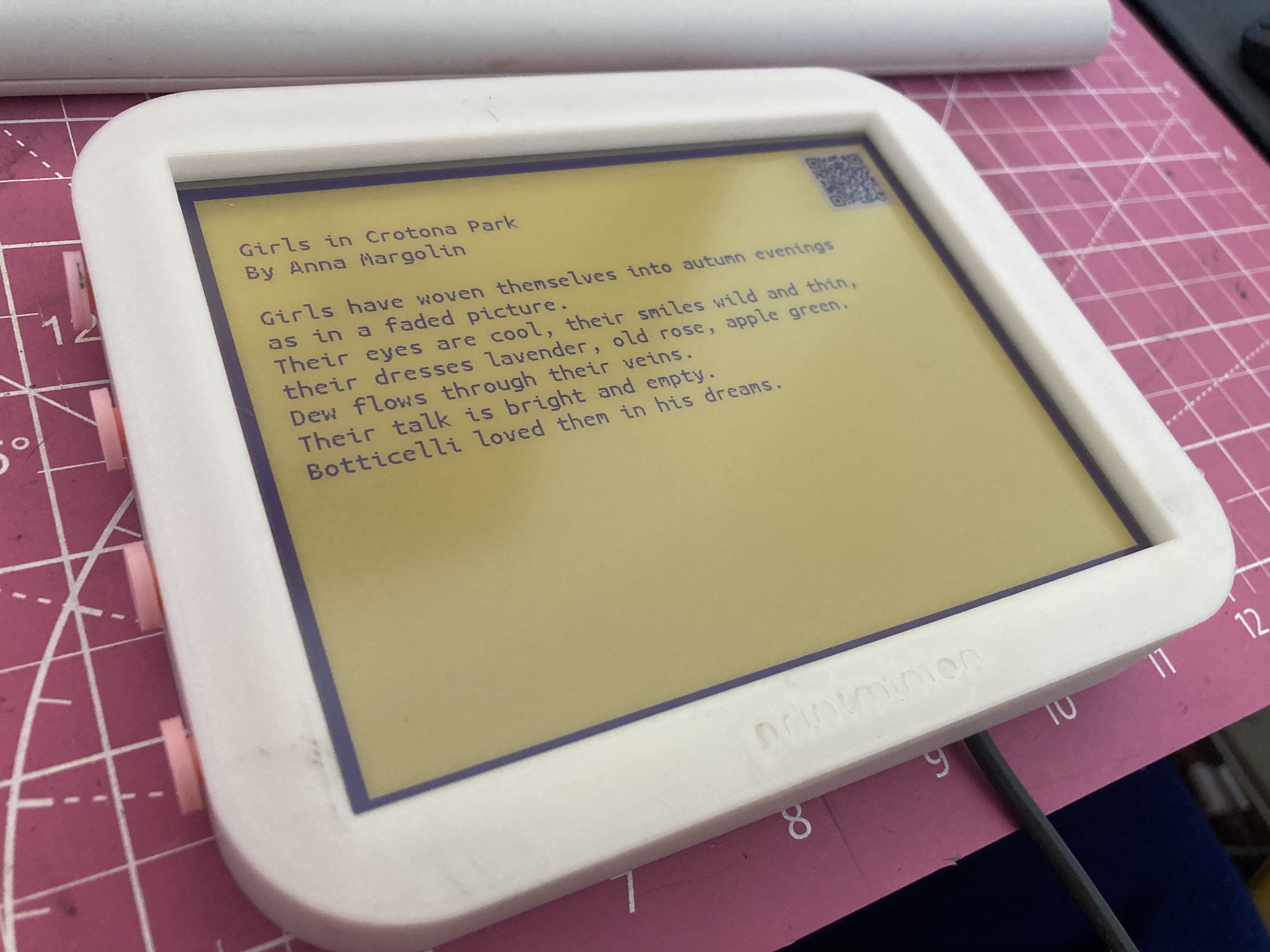
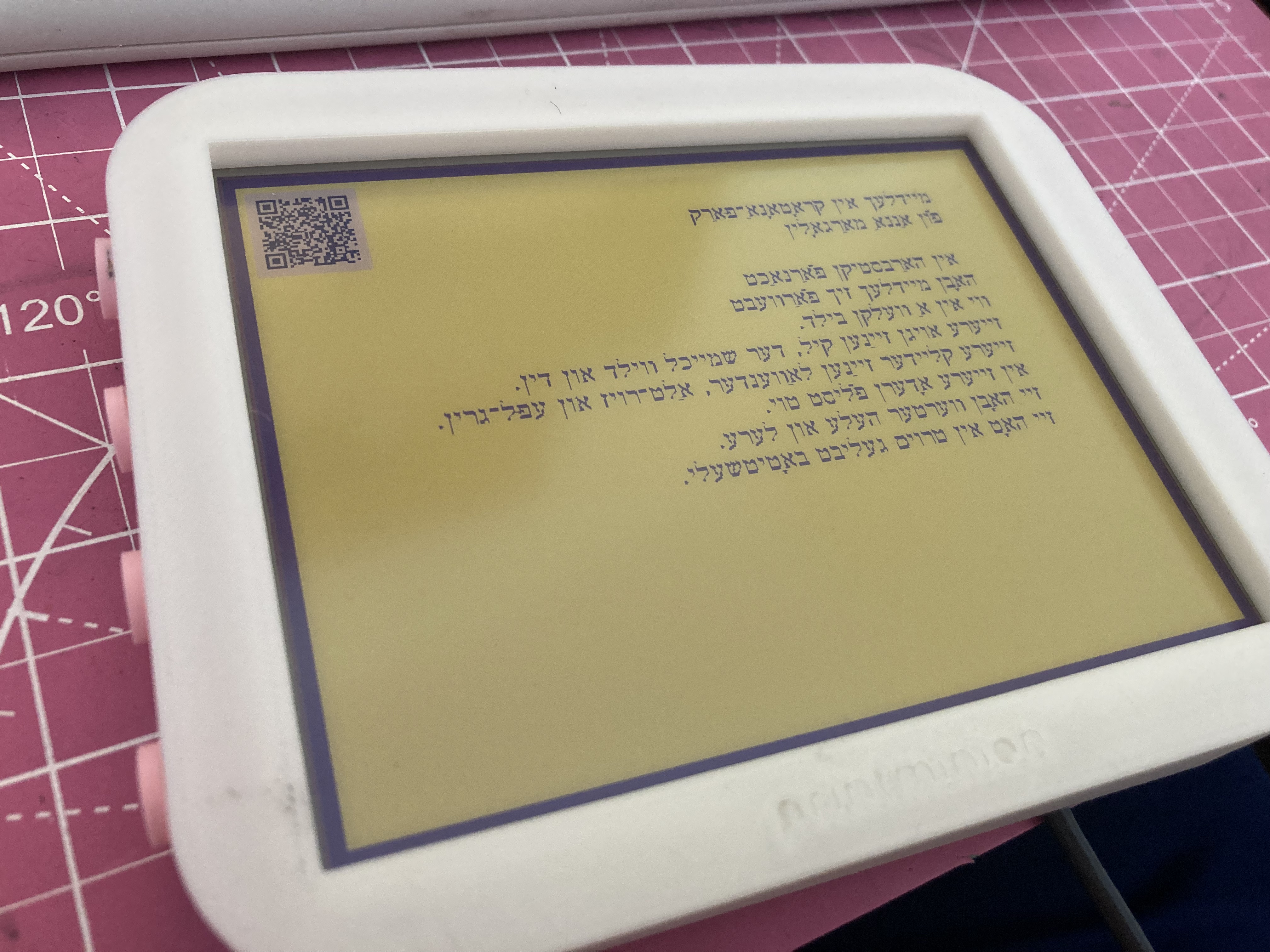
After "reflowing" the text to fit the width of the inky display, I thought the scroll functions could work by splitting the reflowed text by the max number of lines that would fit on the screen at the current font size. Thus a poem of x lines would have ⌈x/max-lines⌉ sections. A press of the up/down scroll button would increment/decrement the scroll-state and refresh the display with the next or previous chunck of text. You can see this in action in the video below.
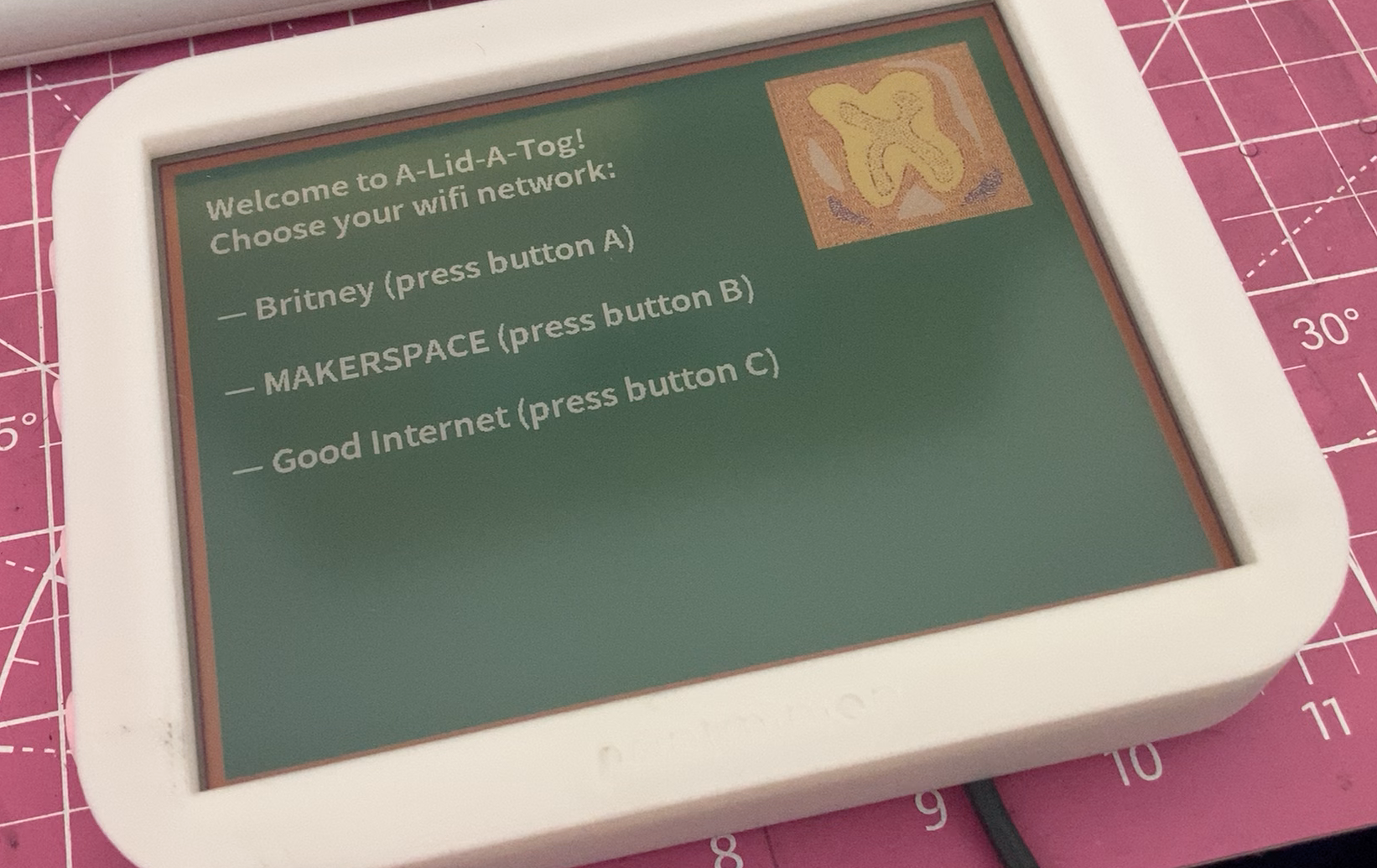
Lastly, I thought, "The poetry site has images and all kind of contextual information. The inky screen is just showing a bare poem on a yellow background." So I added a qr code to the corner of the screen, linking to the respective page of the poetry site. Then I thought, "If I take this to class and want to show it in action, I will have to go into the pi's configs and change the wifi settings..." So I added a preemptory script with preloaded wifi settings from which to select. I have this run on boot.
To-Do
The visuals could all use some tlc. Images can be incorporated to a much greater extent. Colors too. A screen refresh takes around 30 seconds. For scrolling this is annoying. Inky disables or hides any way of partially refreshing the screen. This can be looked into. Lastly, the wifi setup does not work consistently. I can work to make this much more robust. A start would be to simply catch errors...
You can download the A-Lid-A-Tog code and the WiFi setup code. Note that they rely on external libraries and config files I have not specified or provided...